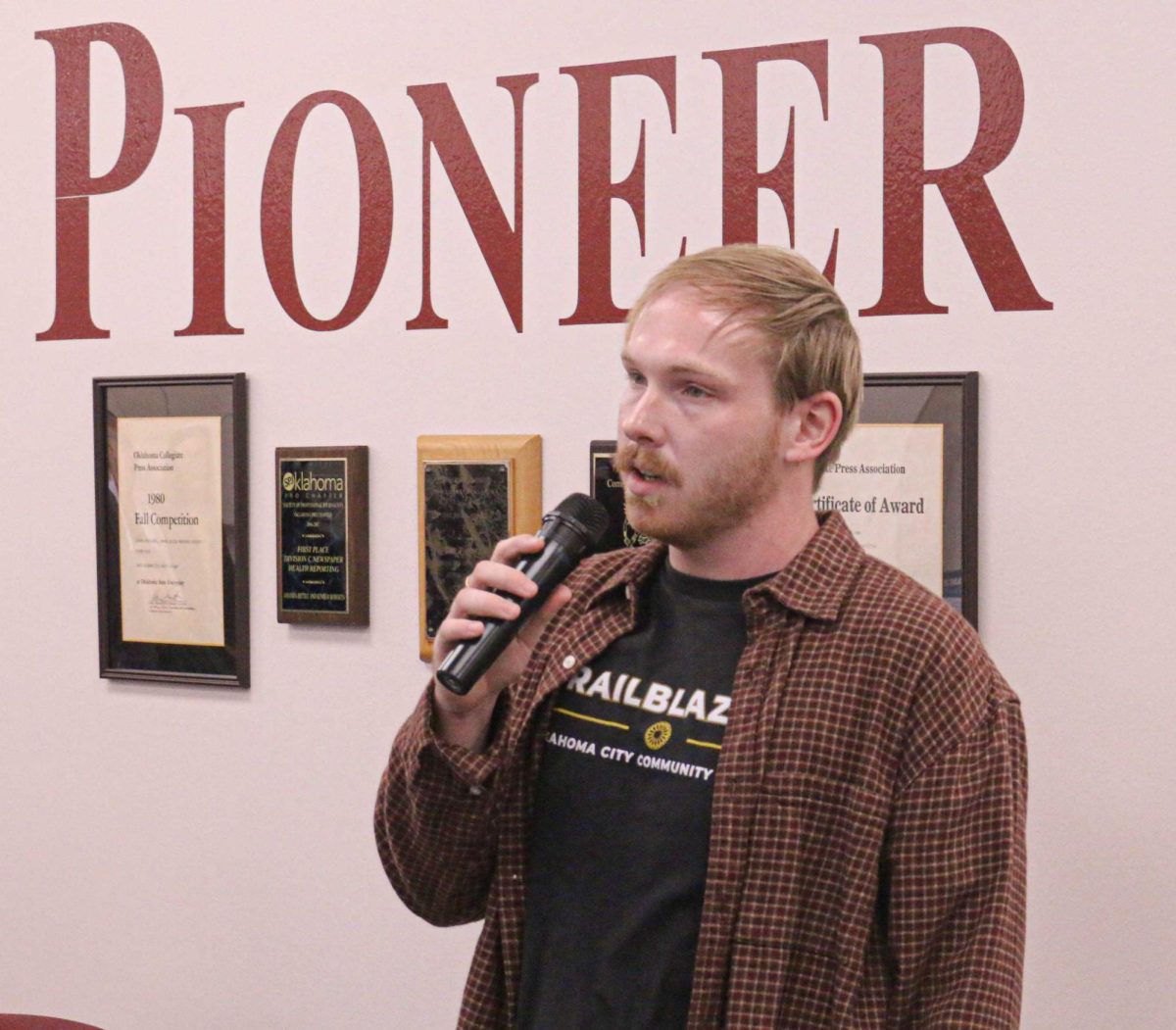


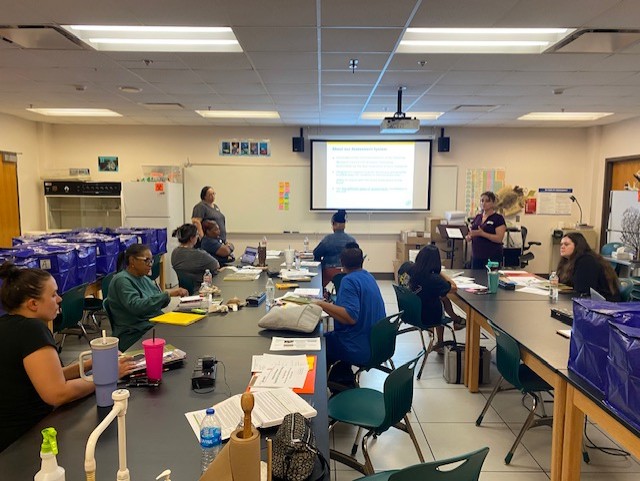



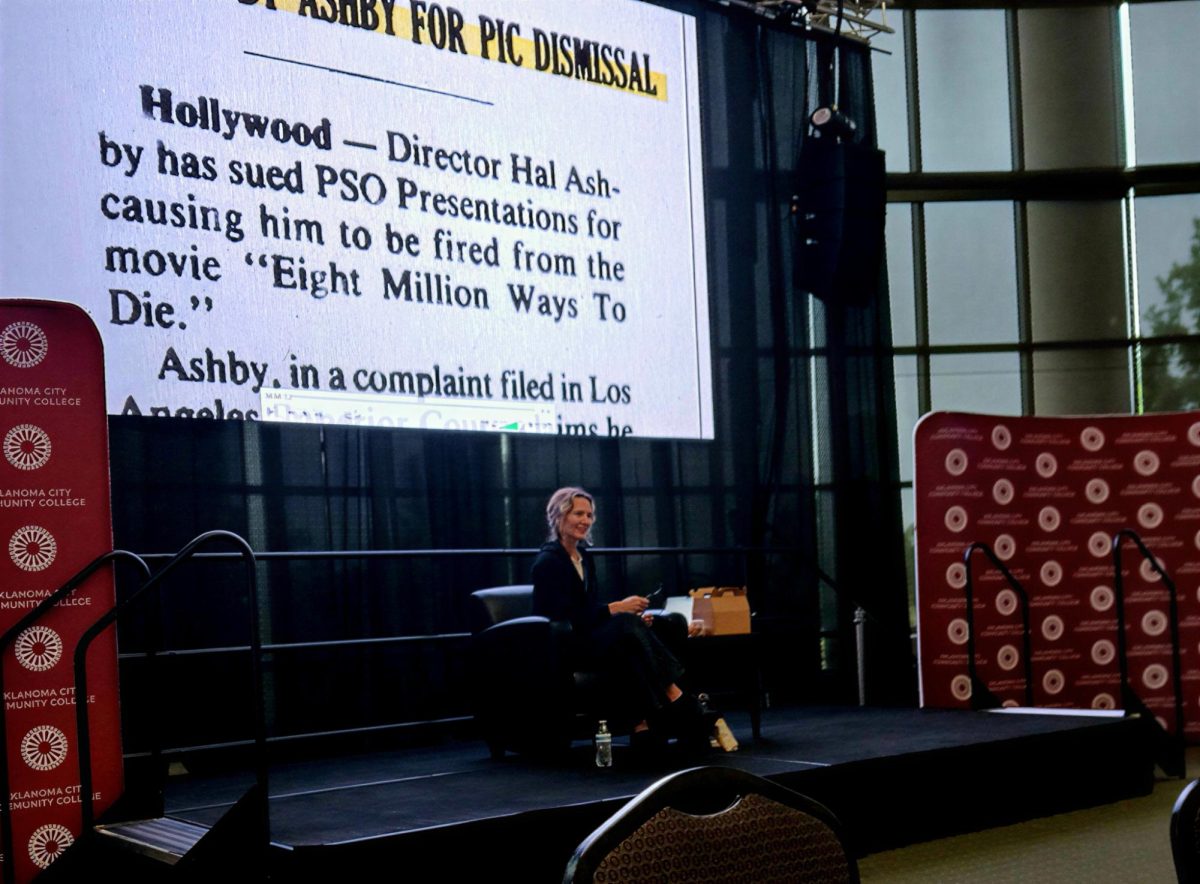






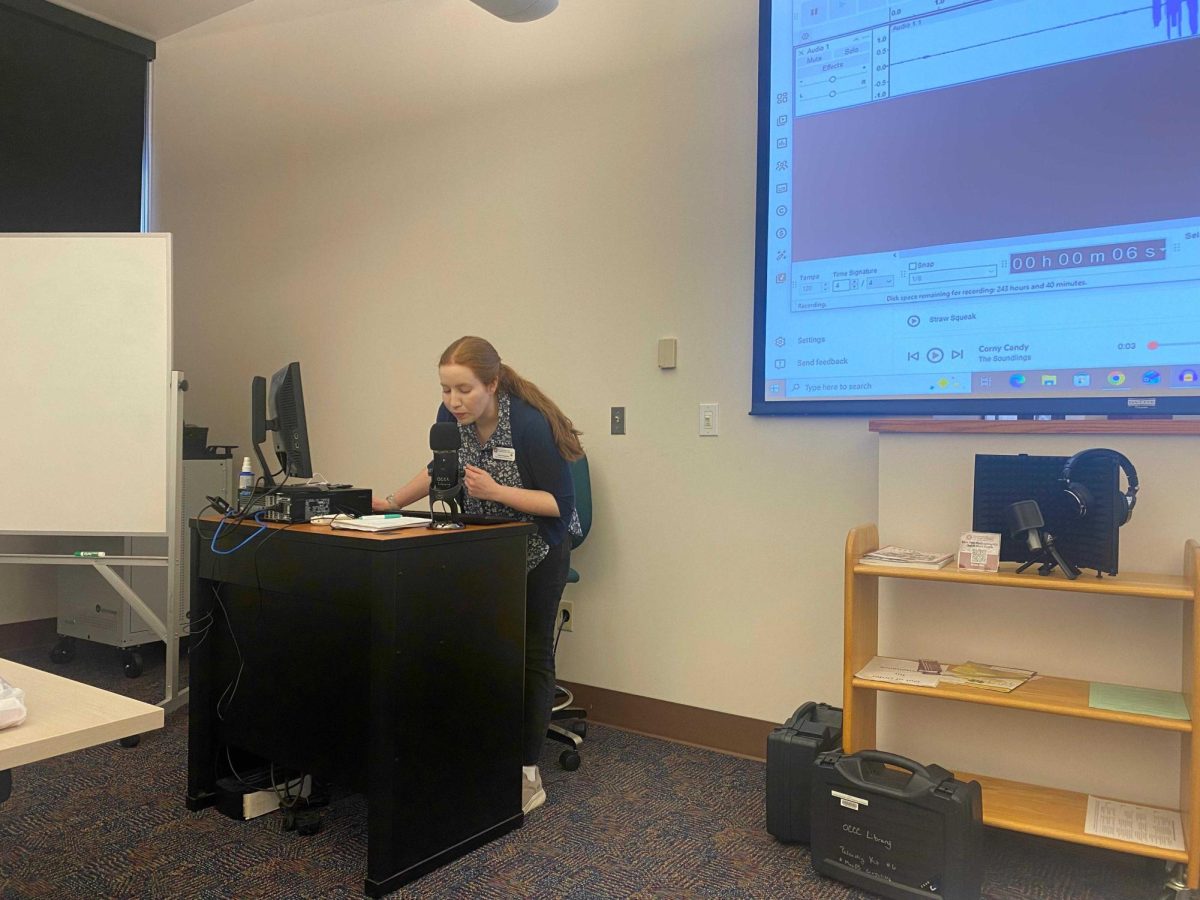
OCCC recently hosted an event where technology lending specialist Katie Chestnut delivered a comprehensive presentation on “Podcasting 101: How to Get Started.”
For someone curious about diving into the world of podcasting, the session was a goldmine of practical advice, drawing from Chestnut’s expertise in technology lending. Held in the Tech Corner, the event covered everything from conceptualizing your podcast to distributing it online, complete with useful links and resources. Chestnut’s engaging style made the complex process feel accessible, emphasizing that anyone with an idea can launch a successful podcast in 2026.
The presentation kicked off with an overview of the key steps:
- Developing an idea
- Choosing a title and cover art
- Selecting equipment
- Recording and editing
- Setting up an RSS feed
Chestnut stressed the importance of narrowing down your podcast idea.
“Focus your idea,” she advised, highlighting market research and episode length as crucial factors.
For beginners, she recommended starting with a niche topic to stand out in a crowded market. Drawing from the slides, she explained how conducting market research, such as checking existing podcasts on platforms like Spotify or Apple Podcasts, helps identify gaps and audience interests. She said that episode lengths should be consistent, ideally 20-60 minutes, to retain listeners.
Next, Chestnut delved into titling and cover art, elements that can make or break discoverability. For titles, she emphasized searchability by sharing the following guidelines:
- Avoid using your name as the main title
- Incorporate keywords
- Craft compelling episode titles without numbering them sequentially
“Use keywords that people might search for,” she said, giving examples such as “Crime Junkie” or “Hidden Brain.”
Cover art specifications were straightforward: a minimum of 1400 x 1400 pixels up to a maximum of 3000 x 3000 pixels in JPG or PNG format. She pointed to Canva templates as an easy tool for creation, showcasing examples from popular podcasts such as “The Daily,” “Morbid” and “SmartLess” in her slides. These visuals illustrated how eye-catching designs boost appeal on directories.
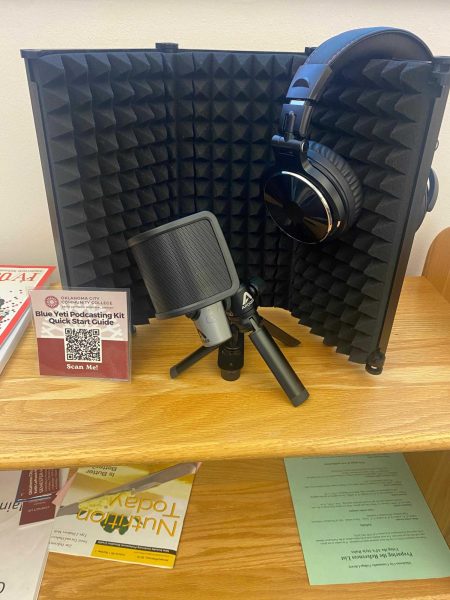
Equipment was a highlight, with Chestnut comparing microphone types by categorizing them into dynamic and condenser mics while examining USB versus XLR connections. Dynamic mics offer flexible recording spaces and are forgiving in editing, reducing white noise, but they pick up more background sound. Condenser mics, like the Blue Yeti (PC-only) or Apogee Mic+ (Mac and PC compatible), provide natural, crisp audio but require quieter environments. USB options are user- and budget-friendly for direct connections and multiple scenarios, while XLR setups connect multiple mics and sources but need extra gear.
Equipment available at the OCCC library includes the Blue Yeti Microphone, Apogee Mic+ and Moukey Mini Sound Booth, which Chestnut recommended for students borrowing tech gear.
Recording and editing software options were thoroughly explored as well. Audacity, a free audio-only tool, was described as the baseline, with Chestnut referencing a tutorial on “Audacity Basics.” For more advanced needs, she discussed Riverside, Descript and Camtasia. Riverside pros include AI transcriptions, show notes, teleprompter and audio/video editing, although the free version caps hours and adds watermarks. Descript shines with text-based editing, filler word removal and stock sounds but shares similar free-tier limitations. Camtasia, which is not free, focuses on interactive video features but lacks user-friendliness.
A beginner tutorial on starting a podcast was suggested for hands-on guidance.
Finally, Chestnut explained RSS feeds and podcast directories. An RSS feed acts as the host site, distributing content automatically to directories when updated. Recommended hosts include Blubrry, Libsyn, Podbean and RSS.com. For directories, she shared a complete 2026 list, noting that platforms like Apple Podcasts and Spotify have specific requirements.
“Your RSS updates equal directory updates,” she said, simplifying the distribution process.
In closing, Chestnut invited questions and provided her contact information:
- Email: [email protected]
- Phone: (405) 682-1611, Ext. 7668
The event included a scannable link to all resources, compiled in the “Useful Links for Podcasting” PDF.
Attending this session demystified podcasting, equipping attendees with tools to turn ideas into reality. Whether you’re a student at OCCC or an aspiring podcaster, Chestnut’s advice proves that with the right focus, equipment and software, launching a podcast is within reach. As podcasting evolves in 2026, events like this one help bridge the gap between technology and creativity.